Three translation jobs
It helps to think of translation as three separate jobs rather than one. The first is reading: menus, ticket machines, product labels and signs. The second is asking: a short question to a station attendant or shop assistant. The third is conversation: a longer exchange, such as explaining a lost item or a medical need. Different tools suit each job, and most travellers need only the first two.
Reading with your camera
Camera translation is the tool most visitors use most often. In the Google Translate app, the camera mode overlays translated text on the live image, which works well on printed menus and signs. Papago, developed by Naver in South Korea, is particularly strong for Korean and also handles Japanese and Chinese. On iPhones, Apple Translate and the Live Text feature in the Camera app can translate text you point at.
Handwritten menus and stylised fonts trip up every app. If a translation looks odd, try photographing the text instead of using the live view, holding the phone steady and level, in good light.
Download languages before you fly
This is the step travellers most often skip. Both Google Translate and Apple Translate let you download language packs for offline use. Offline translation is slightly less polished but works in underground stations, rural areas and on aircraft. Download every language on your route, then test by putting your phone in flight mode and translating a sentence. If it works, you are ready.
In mainland China, Google services are generally unavailable on local networks. Offline packs downloaded beforehand still work, and Microsoft Translator or Apple Translate are useful alternatives.
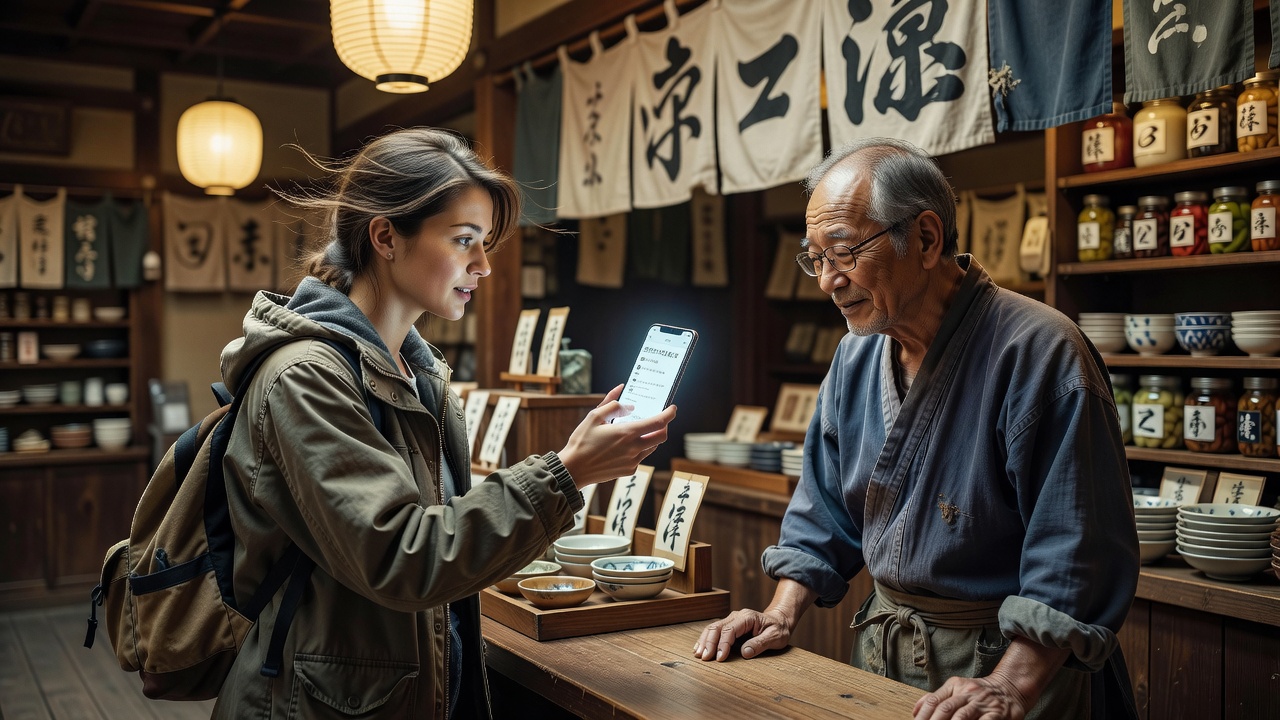
Short sentences, no idioms, and turn the screen towards the other person. Translation is as much a manner as a tool.
Asking a question well
Type short, plain sentences: "Where is the train to Kyoto?" works better than "Could you possibly tell me which platform I need for Kyoto?". Avoid slang and idioms. Then turn the phone and let the other person read the translation, rather than reading it aloud. Many people in Japan and Korea are more comfortable reading English than listening to it, and the reverse is often true for your translation app.
For voice conversation, Google Translate's conversation mode and VoiceTra, a free app developed by Japan's National Institute of Information and Communications Technology, let each person speak in turn. Speak slowly and pause between sentences.
Do you need a dedicated device?
Handheld translators such as Pocketalk include their own data connection and a simple button interface. They suit travellers who prefer not to use their phone, or groups where one person handles the talking. For most independent travellers with a working phone and offline packs, a separate device is optional rather than essential.
Prepare a small phrase card
Save a few essentials as screenshots in the local language: your accommodation address, a dietary or allergy statement, any medication you carry and an emergency contact. These work without battery-hungry apps and can be shown instantly. Hotel reception staff are often happy to write your address in the local script for taxi drivers.
Caveat: accuracy on important matters
Machine translation can mistranslate allergies, dosages or legal terms. For medical or official matters, ask for an interpreter or use a professionally translated card.
Caveat: privacy of photographed text
Camera and voice translation may send content to a provider's servers when online. Avoid photographing passports or bank details through translation apps.
Desk tip: add the translation app to your phone's home screen dock. When someone is waiting, every second spent searching for an icon feels long.