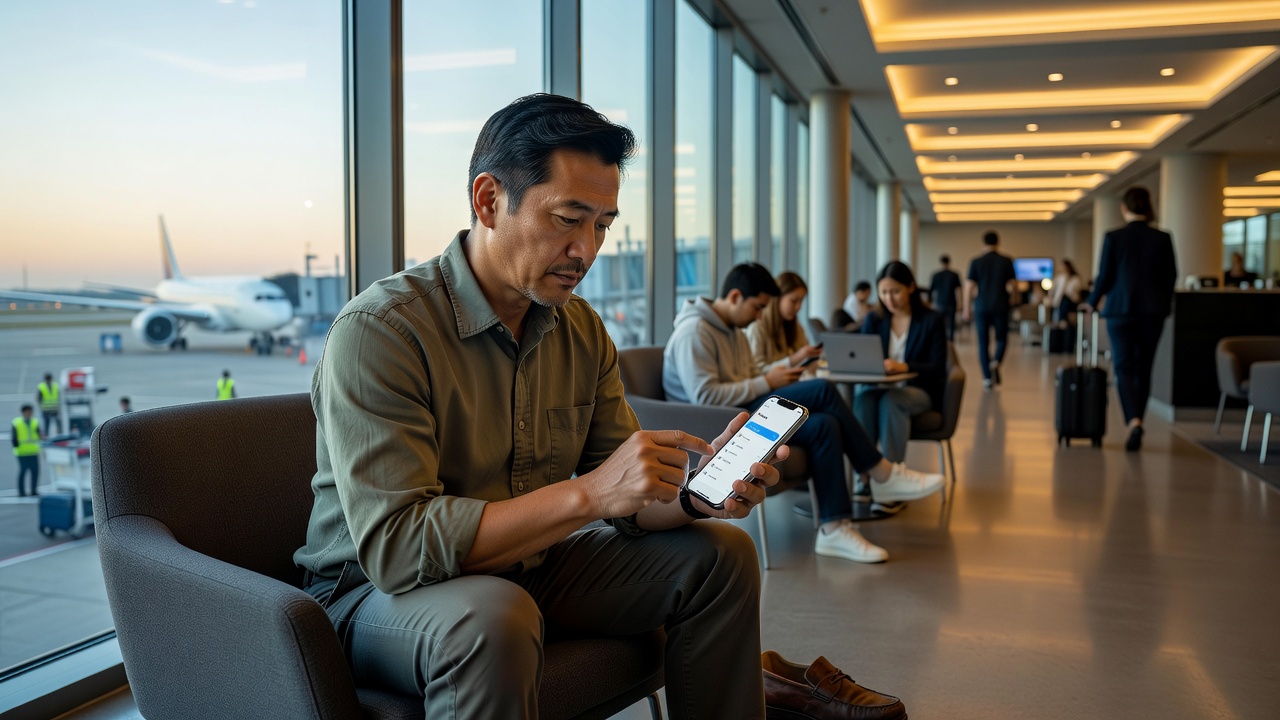
Why connectivity comes first
Within the first hour of arriving in Japan or elsewhere in Asia, you may need to show an immigration QR code, look up the train to your hotel, message your host about a late check-in or call a taxi through an app. Every one of those tasks needs data. Airport Wi-Fi is usually available, but it ends at the terminal doors, and station or café networks often ask for a registration step that is hard to complete without a working connection.
That is why we suggest treating your data plan as part of packing rather than something to sort out on arrival. The aim is simple: step off the plane, switch a line on, and see your map load.
Step one: check your phone
Before comparing plans, confirm two things. First, your phone must be carrier-unlocked, meaning it can accept a connection from a provider other than the one you bought it from. If you pay for your phone in monthly instalments, ask your carrier directly; locked phones are common in some markets. Second, if you want an eSIM, your phone must support eSIM. On an iPhone, look under Settings, then General, then About for a section labelled "Digital SIM" or an EID number. On many Android phones, dialling *#06# displays the EID if eSIM is supported, or you can look under the SIM or connections settings.
Update your phone's software while you are at home. Updates are large downloads and can change how settings menus look, so do it before you rely on any instructions.
Step two: choose your connection type
Travel eSIM. A digital data plan you buy online from providers such as Airalo, Ubigi or Holafly. You install it with a QR code or in-app button, and it sits alongside your normal SIM. Most are data-only, which suits most visitors. Regional plans can cover several countries on one itinerary.
Home carrier roaming pass. The easiest option if your carrier offers fair daily pricing, because nothing new needs installing and your normal number keeps working. Check the daily cost and any speed limit carefully.
Local physical SIM. Sold at airport counters and convenience stores in Japan, South Korea, Taiwan, Hong Kong, Singapore and Thailand. Useful for older phones that support only one physical SIM, though you must remove and safely store your home SIM.
Pocket Wi-Fi router. Very popular in Japan, where rental companies let you collect a small router at airports such as Narita, Haneda and Kansai, or have it delivered to your hotel. One router can serve a family's phones, but it is another device to charge and carry.
Install at home, activate on arrival. That single habit prevents most connectivity stress.
Step three: match the plan to the destination
Japan has strong 4G and 5G coverage in cities and along major rail lines, with weaker signal in some mountain areas. Travel eSIMs rarely include a Japanese phone number, which is fine for most visitors. South Korea has excellent coverage; some local services and apps ask for a Korean number for sign-up, so check before relying on them. Mainland China restricts access to many foreign services, including Google, WhatsApp and Instagram. Roaming connections and many travel eSIMs route your traffic through networks outside China, which often keeps those services reachable, but conditions can change, so check current information and the provider's notes. Hong Kong, Taiwan, Singapore and Thailand are straightforward, with tourist plans widely available.
Step four: install and activate calmly
Install the eSIM over your home Wi-Fi a few days before you fly. Many installation QR codes work only once, so do not delete the eSIM afterwards. Rename the line to something obvious, such as "Asia data", and keep your home line for calls and SMS codes. Before take-off, turn off data roaming on your home line to avoid charges. After landing, set the travel line as your mobile data line and switch on data roaming for that line; this is normal for travel eSIMs and is not charged by your home carrier.
Caveat: "unlimited" plans and fair-use limits
Many unlimited plans slow your speed after a daily allowance. That is fine for maps and messages but not for video calls. Read the fair-use terms.
Caveat: hotspot sharing
Some travel eSIMs block or limit sharing your connection with a laptop or a companion's phone. If you need to share, confirm this before buying.
Caveat: manual network settings
Occasionally a plan needs an APN entered by hand. Save the provider's setup instructions as a screenshot so you can read them without data.
Desk tip: keep a screenshot of your eSIM provider's support contact and your order number. If the line fails to connect, you can ask for help from airport Wi-Fi.